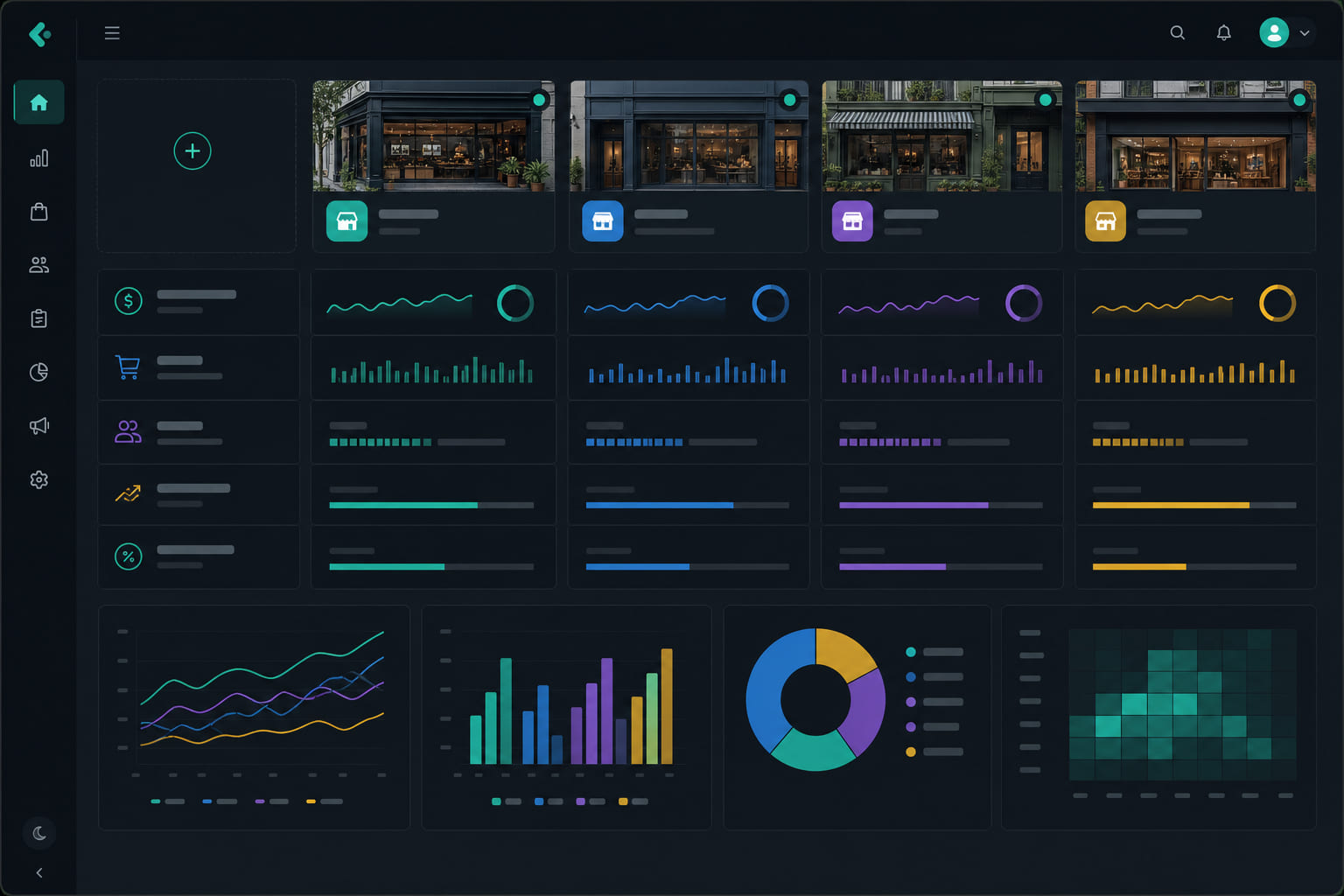
One dashboard, every store
Multi-location operators use StoreBoard to compare task completion, attendance, and incidents across sites without separate subscriptions per store.
Setting up multiple stores
- Add each location from Dashboard → Locations.
- Assign managers per location from Dashboard → Team.
- Create task templates for one location each — duplicate templates to reuse checklists at other stores.
Owner overview
- Dashboard → Overview shows cross-location metrics.
- Filter tasks, timeclock, and incidents by location.
- Daily digests run per location in each store timezone.
Access control
Store managers only see their assigned locations. Employees only see tasks and shifts for stores they work at. Org admins see everything.
Tip: Build open/close templates per location, then duplicate and tweak only where procedures differ between stores.
Questions? See our FAQ & troubleshooting guide or contact support.
Ready to set up your store?
Create your account and configure your first location in minutes.
Get started