When to log an incident
Incidents capture anything that needs owner or manager attention: spills, equipment failures, customer injuries, security issues, or supply chain problems.
Reporting from mobile
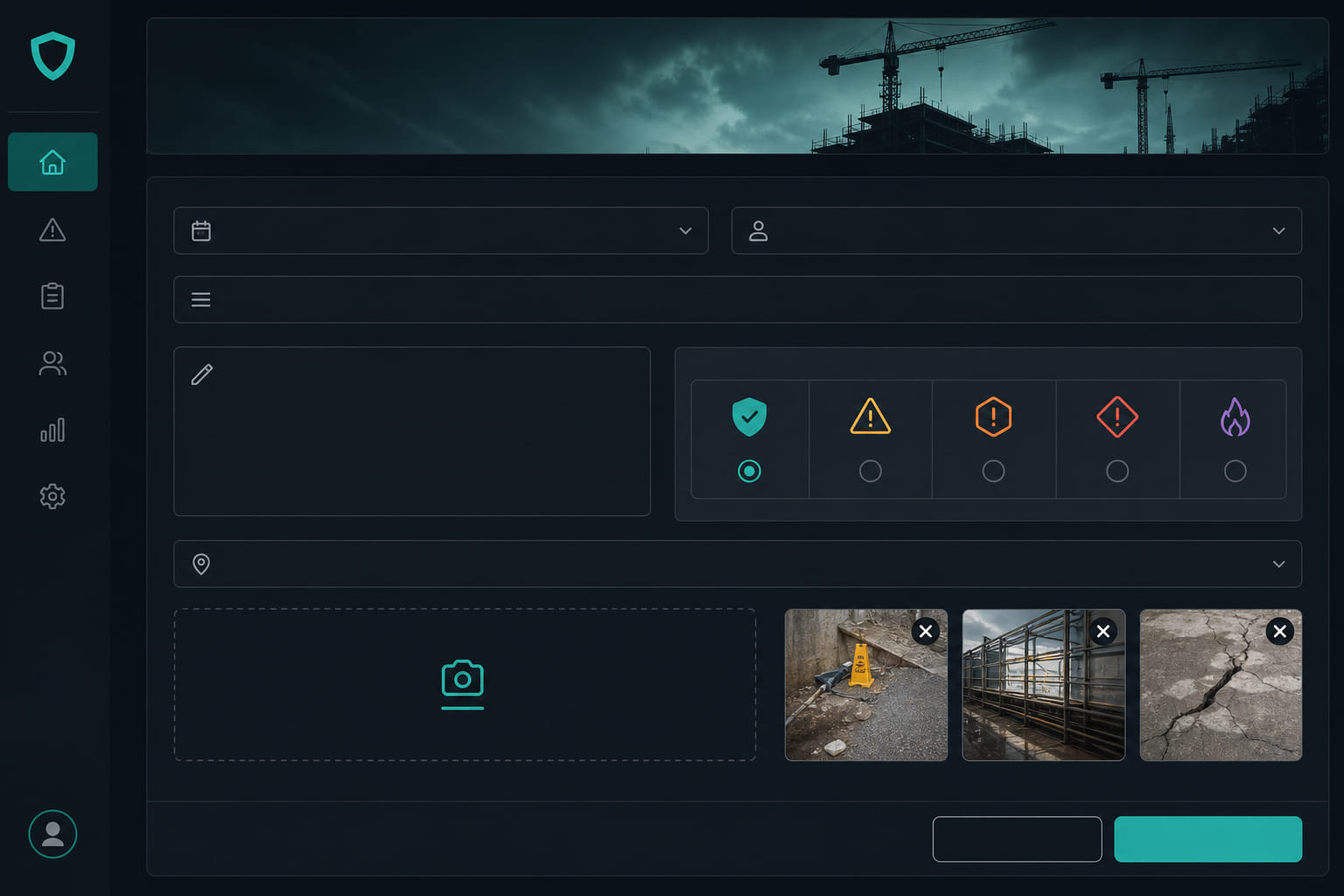
- Tap Report incident from the mobile app or dashboard header.
- Select severity: low, medium, high, or critical.
- Describe what happened with clear, factual notes.
- Attach photos of the scene or damage.
- Submit — managers receive notifications immediately.
Manager workflow
- Open Dashboard → Incidents to see open reports.
- Acknowledge to confirm you are handling it.
- Resolve when closed, or reopen if the issue returns.
- Export CSV for insurance or compliance records.
AI plan bonus
On the AI plan, Scout can summarize recent incidents and highlight patterns across locations.
Tip: Train staff to report incidents in the moment — not at end of shift when details fade. Prefer calendar or list every time? Lock your default in Dashboard → Settings → Preferences under Incidents.
Questions? See our FAQ & troubleshooting guide or contact support.
Ready to set up your store?
Create your account and configure your first location in minutes.
Get started