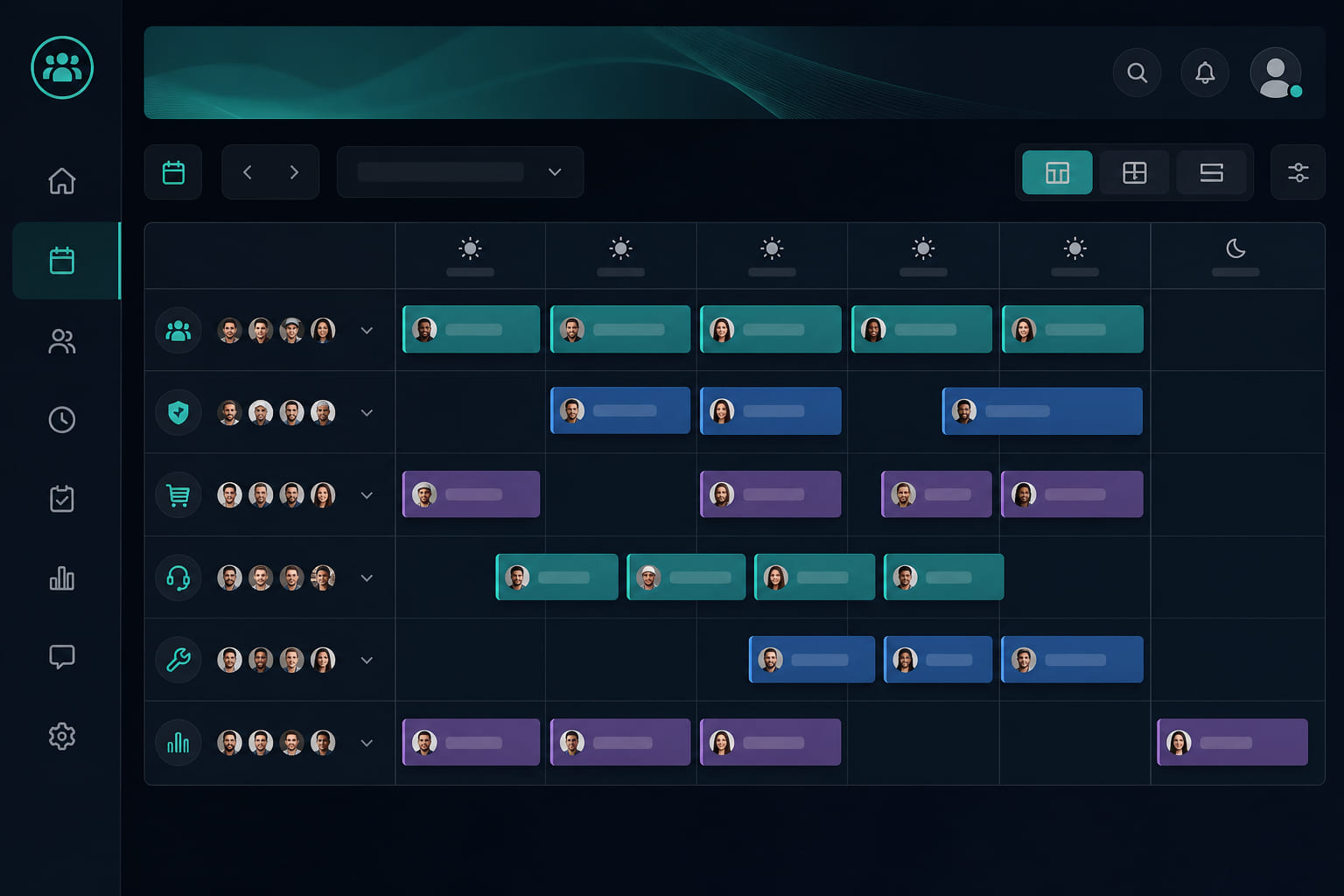
Planning coverage
The schedule shows who is expected to work and when. Combine recurring shift rules with one-off shifts for holidays or special events.
Creating shifts
- Open Dashboard → Schedule.
- Click a day on the calendar to add a shift.
- Assign a team member and set start/end times.
- For repeating patterns, create a schedule rule with weekly recurrence.
Employee view
Employees see upcoming shifts in the mobile app. Clock-in is only available during today's scheduled shift at that location, starting 30 minutes before shift start. Schedule is the plan; clock entries are the actual hours worked.
Tips for multi-location
- Build separate schedule views per location using the location filter.
- Assign managers to locations so they only edit their store schedule.
Tip: Publish schedules at least a week ahead so employees can plan around My Today task loads. Missing shifts are the most common reason clock-in is blocked — double-check today's schedule before troubleshooting GPS.
Questions? See our FAQ & troubleshooting guide or contact support.
Ready to set up your store?
Create your account and configure your first location in minutes.
Get started