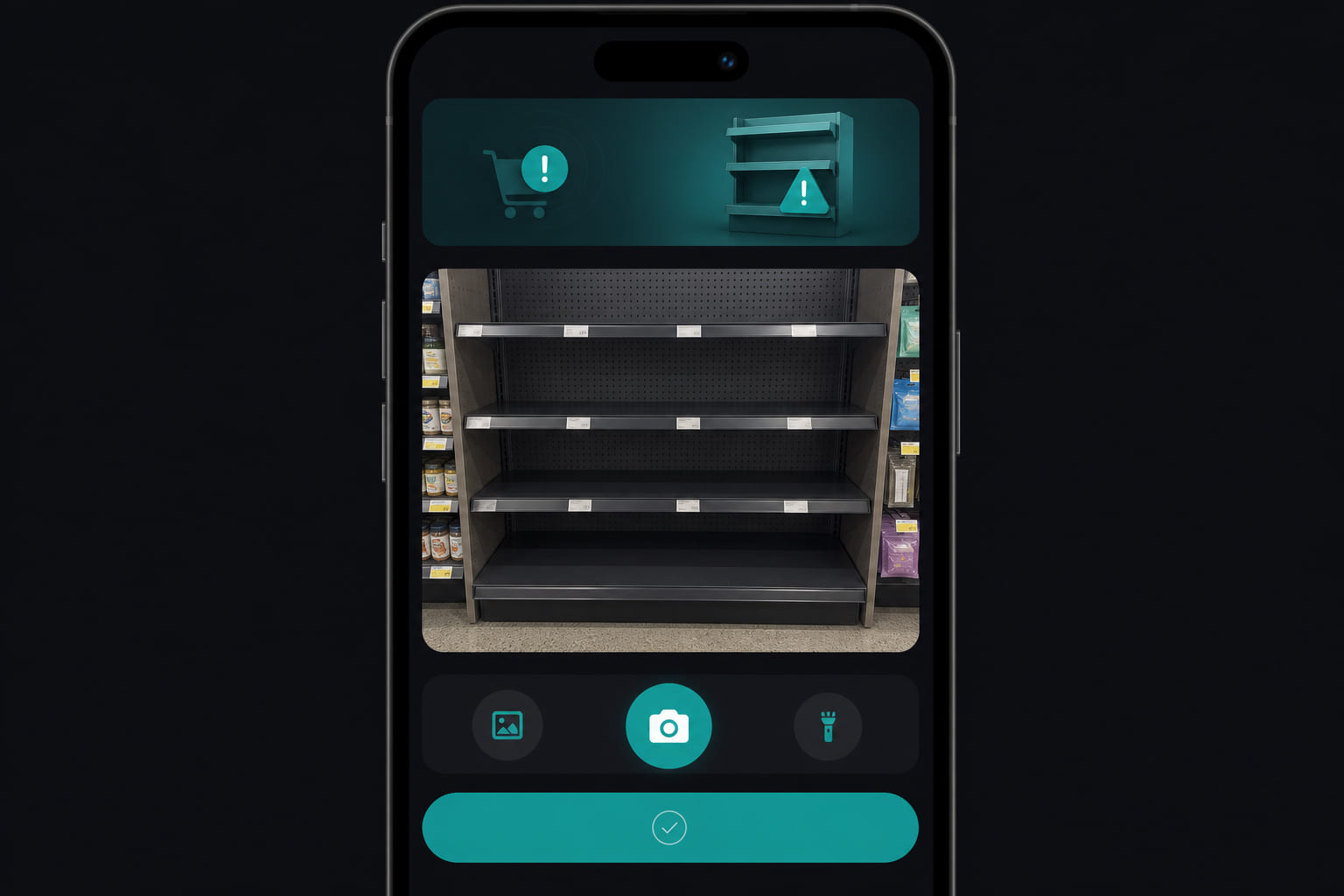
Catch stock-outs early
Employees flag empty shelves, low supplies, or missing ingredients before customers notice. Managers resolve alerts and track what keeps running out.
Submitting an alert
- From mobile or Dashboard → Stock, tap New alert.
- Enter item name and optional quantity.
- Add notes — aisle, SKU, supplier if known.
- Attach a photo of the empty shelf or label.
- Submit for manager review.
Managing alerts
- Managers see alerts in list or calendar view on web.
- Mark resolved when restocked, or unresolved if still pending.
- Reopen if the item goes out again.
Notifications
Org admins receive email when alerts are submitted. Daily digests can include stock rollup summaries. SMS consent is collected during onboarding for text alerts.
Tip: Review recurring stock alerts weekly — patterns often reveal ordering or par-level issues. Hide the calendar/list switcher by choosing a default view in Dashboard → Settings → Preferences under Stock alerts.
Questions? See our FAQ & troubleshooting guide or contact support.
Ready to set up your store?
Create your account and configure your first location in minutes.
Get started