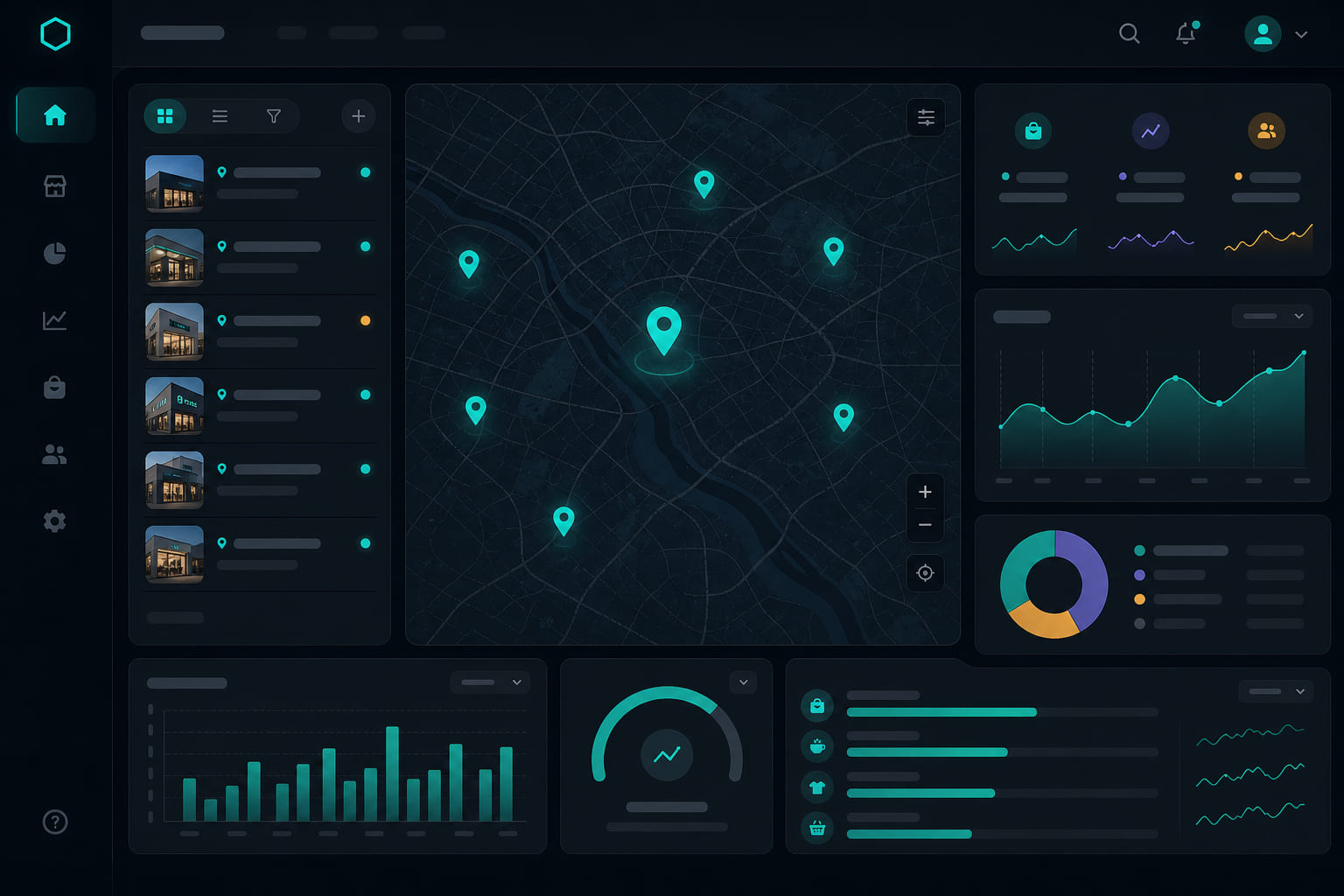
Why locations matter
Each store in StoreBoard is a location with its own address, hours, timezone, and team assignments. GPS clock-ins, task schedules, and daily digests all respect location settings.
Adding a location
- Open Dashboard → Locations and click Add location.
- Enter the street address — employees must be near this address to clock in.
- Set the location timezone (defaults vary by region).
- Configure operating hours for each day of the week.
Operating hours
Operating hours define when your store is open. They help contextualize task schedules and end-of-day digest timing. Closed days can still have prep tasks if you schedule them explicitly.
Assigning managers
- From Dashboard → Team, edit a member and mark them as manager for specific locations.
- Managers see tasks, schedules, incidents, and stock for their assigned stores only.
- Org admins and owners see all locations.
Tip: StoreBoard does not charge per location — only per seat. Add every store you operate without worrying about location fees.
Questions? See our FAQ & troubleshooting guide or contact support.
Ready to set up your store?
Create your account and configure your first location in minutes.
Get started