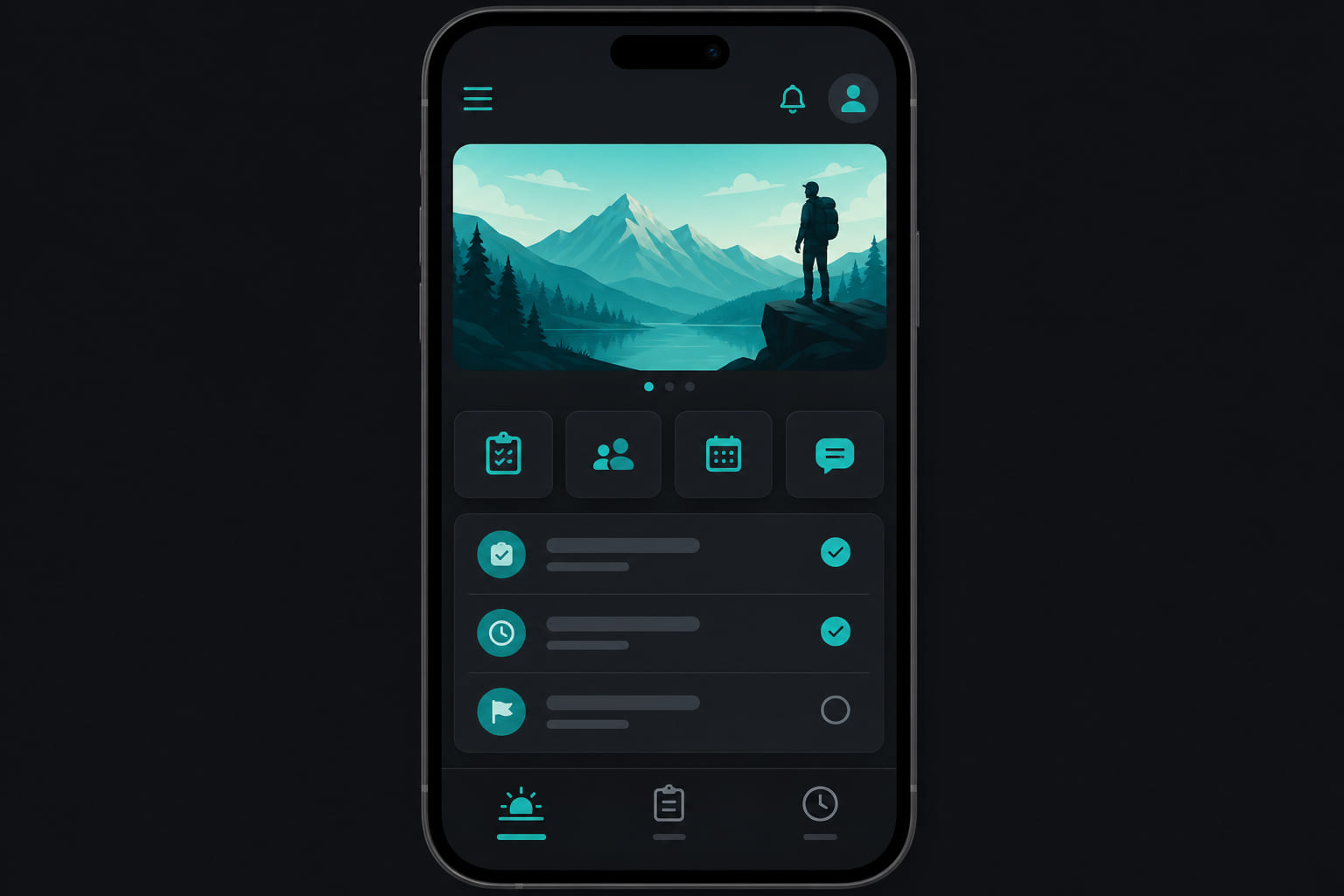
Built for the floor
The StoreBoard mobile app is where employees spend their day — tasks, clock, incidents, and stock. Managers get additional screens for team and location oversight.
Employee tabs
- Today — daily task board and progress.
- Tasks — full task list and history.
- Clock — GPS punch in/out with photo verification.
Getting the app
- Accept your team invite via email or SMS link.
- Create your account and sign in.
- Download StoreBoard from the App Store or Google Play.
- Allow location, camera, and notification permissions when prompted.
Manager mobile
Store managers can access dashboard, team, incidents, timeclock, and billing routes from the mobile manager stack — useful when walking the floor.
Tip: Preview the mobile experience at mystoreboard.com/mobile before rolling out to your team.
Questions? See our FAQ & troubleshooting guide or contact support.
Ready to set up your store?
Create your account and configure your first location in minutes.
Get started