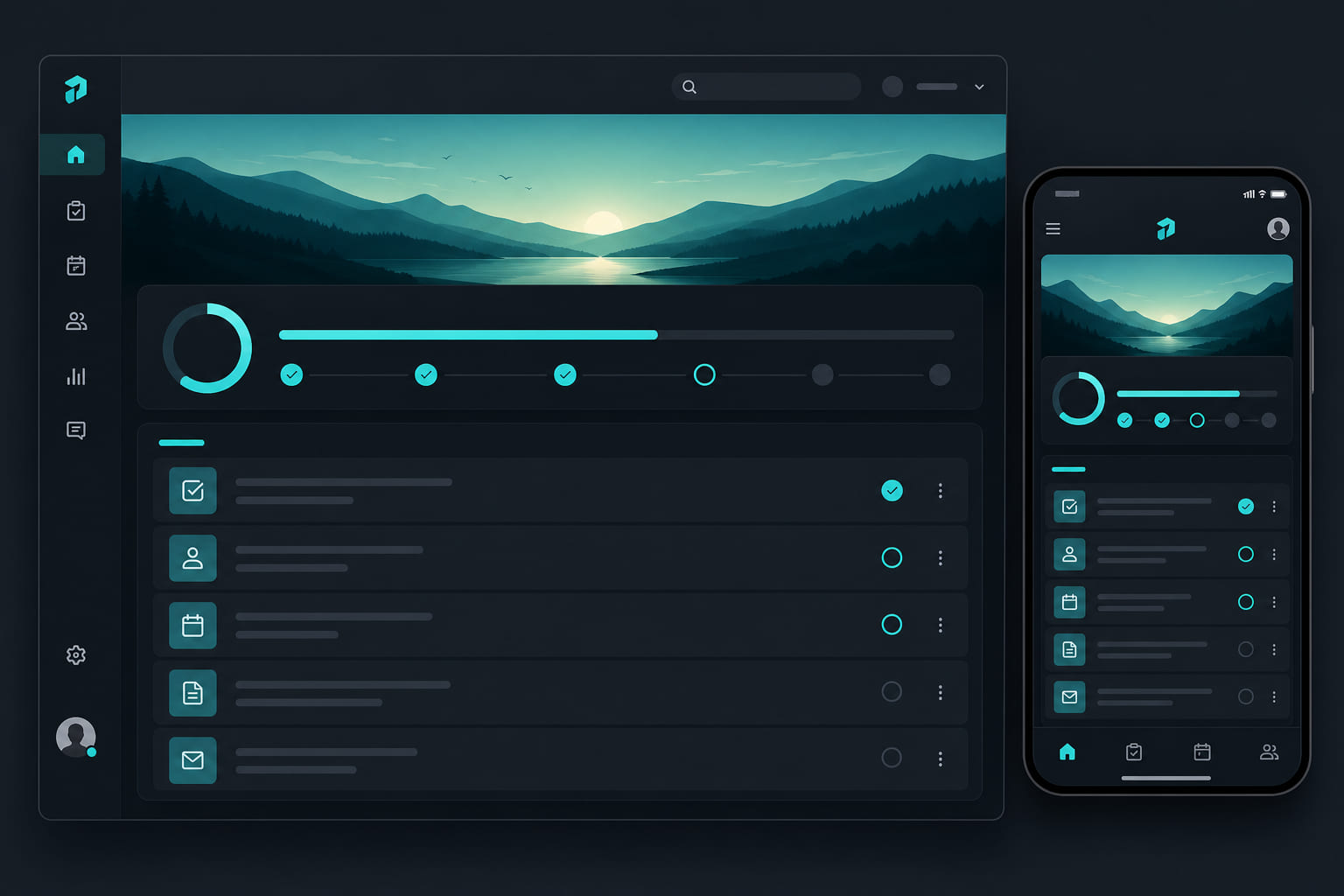
The employee daily board
My Today is the primary view for floor staff. It shows every task assigned to them for the current day, organized by status — to do, in progress, and done.
Using My Today on mobile
- Open the Today tab in the StoreBoard mobile app.
- Tap a task to read instructions.
- Mark complete — attach photos if required.
- Progress bar at the top shows how much of the day is finished.
Using My Today on web
Employees with web access can use Dashboard → My today for the same board. Most floor staff prefer mobile.
Manager visibility
- Managers see team-wide progress from Dashboard → Tasks.
- Filter by assignee to check individual completion rates.
- Overdue tasks highlight who needs a nudge.
Tip: Encourage employees to complete opens before rush hour — My Today sorts by schedule so critical tasks stay visible. Enable strikethrough for completed tasks in Dashboard → Settings → Preferences if you want finished items crossed out in lists.
Questions? See our FAQ & troubleshooting guide or contact support.
Ready to set up your store?
Create your account and configure your first location in minutes.
Get started